Brand

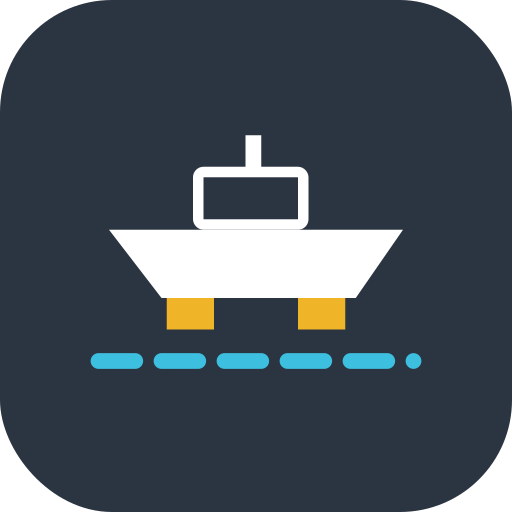
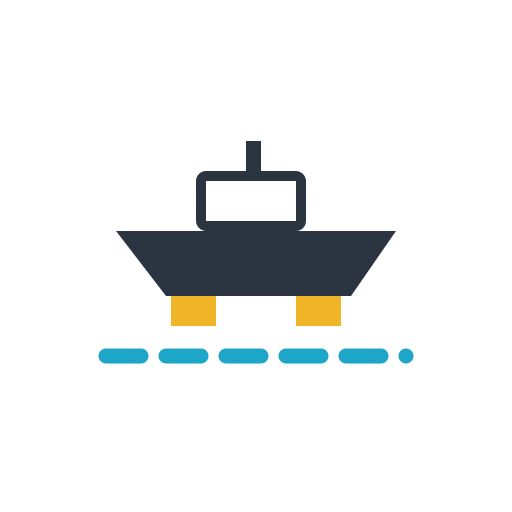
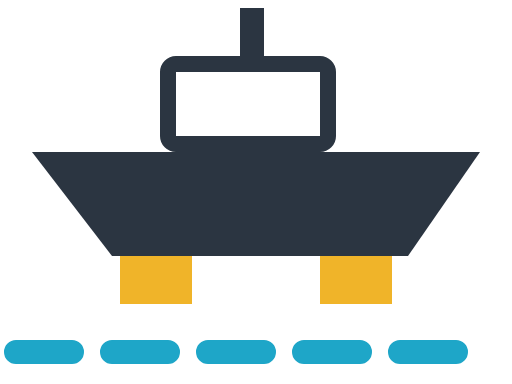
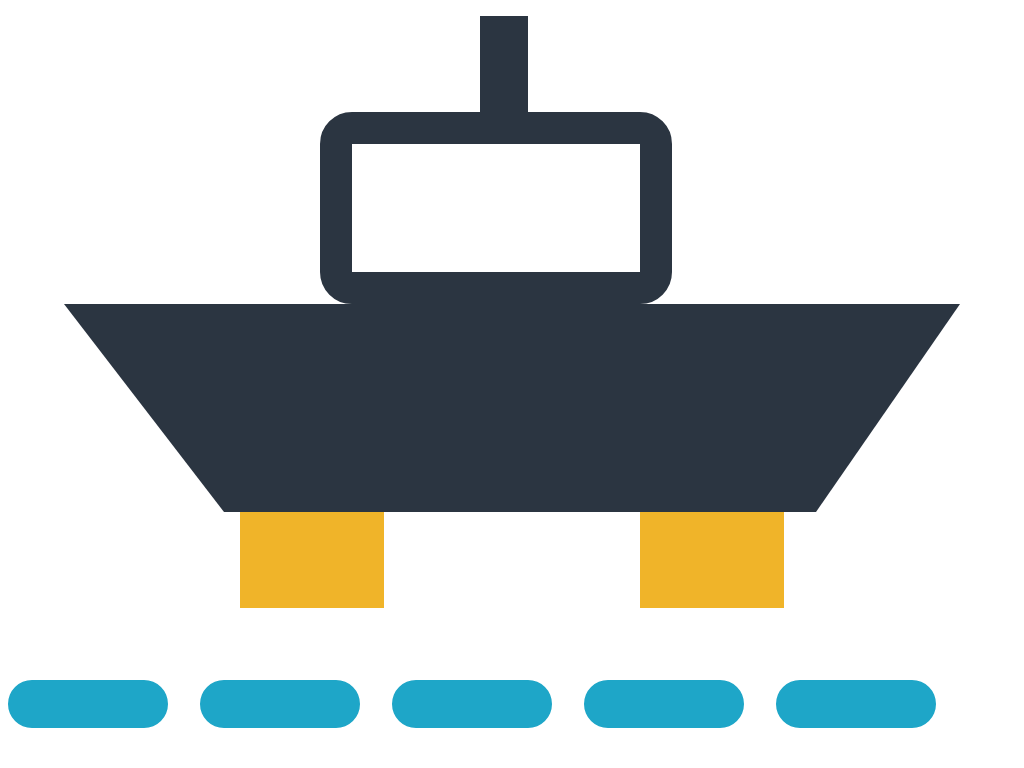
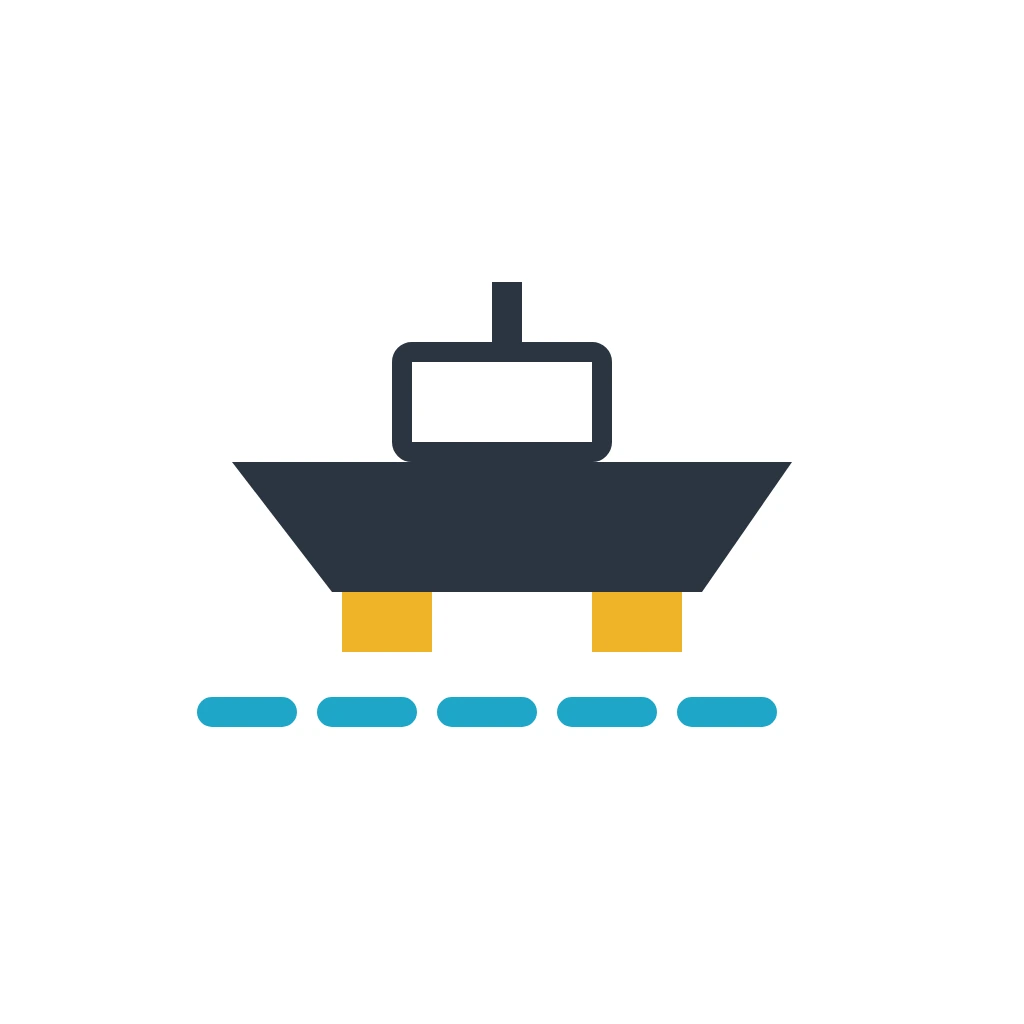
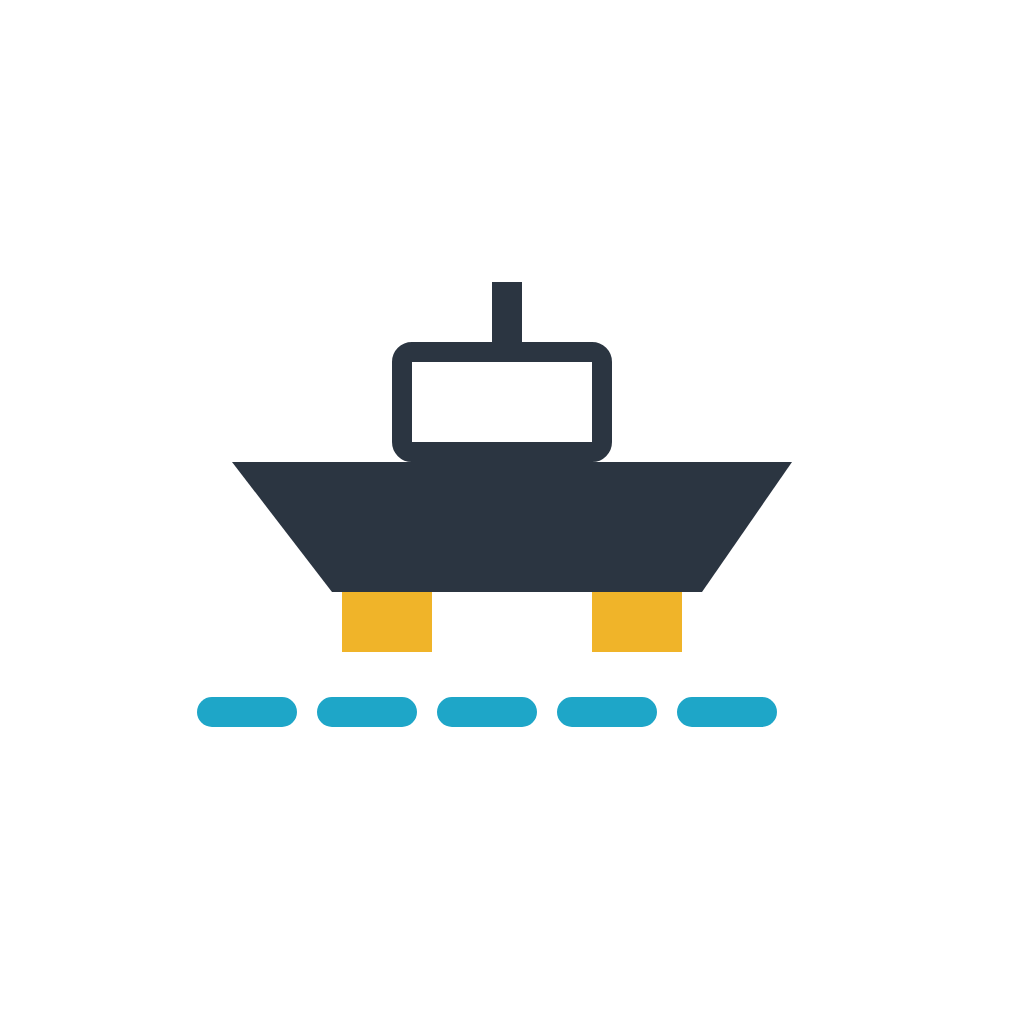
The WP Shipyard mark is a hull on keel blocks over a dashed water lane: a ship in the yard, not yet launched. Use it as drawn; everything here is free to download.

One drawing, three treatments: the lockup where there is room, the bare mark where there is not, the tile only where a square icon is required.

WP Shipyard lockup on light
WP Shipyard lockup in white on slate
The bare mark
App icon tile

Colour

The yard: concrete ground, a slate hull, cyan water, chalk-yellow keel blocks. The palette is defined twice, once for light and once for dark, and every colour on this site goes through a token.


Light

Ground #F1F4F6 · --bg Page background. Pale concrete.
Surface #FFFFFF · --bg-2 Cards, bands, the lockup background.
Ink #171C27 · --ink Headings, body, the wordmark.
Ink 2 #4A5464 · --ink-2 Secondary text.
Ink 3 #78828F · --ink-3 Fine print and metadata.
Rule #CFD7DE · --rule Borders and dividers.
Water #1EA6C8 · --water The accent. The lane under the hull; focus rings.
Water ink #0E7C97 · --water-ink Links and hover fills; Water darkened to pass on white.
Hull #2B3541 · --hull The hull, primary buttons, the app-icon tile.
Keel block #F0B429 · --block The blocks under the hull and the step numbers. Nowhere else.

Dark

Ground #0E1319 · --bg Page background.
Surface #151C24 · --bg-2 Cards and bands.
Ink #E8EDF2 · --ink Headings, body, the wordmark, and the hull.
Ink 2 #AAB5C1 · --ink-2 Secondary text.
Ink 3 #74808D · --ink-3 Fine print and metadata.
Rule #2A3542 · --rule Borders and dividers.
Water #3DBFDF · --water The accent, lifted for dark ground.
Water ink #5CCBE6 · --water-ink Links.
Hull #C9D3DD · --hull The hull in the nav mark; the cabin goes transparent.
Keel block #F0B429 · --block Unchanged in dark. It is the one fixed colour.

Type

Switch into any theme. Nobody else notices.
Bricolage Grotesque
Headings, UI and body. A variable font with an optical-size axis: display sizes sit at the wide end and track tight, body text at the small end. Weights 200–800 available, 400 and 640 used.
AaAaAaAaAa
wp plugin install wp-shipyard.zip --activate
IBM Plex Mono
Code, commands, the mock browser chrome and anything terminal-flavoured. Weights 400 and 600.
01230123

Using the mark

Do

  • Scale the whole drawing together. The lane, blocks and hull are one mark.
  • Keep clear space around it equal to the height of a keel block, at least.
  • Use the white or dark-scheme variants on dark or coloured backgrounds.
  • Use the one-colour ink version when only one ink is available (print, embroidery, laser).
  • Keep the mark at 24px tall or larger on screen; the tile works down to 16px.

Don't

  • Do not recolour it. Water is cyan, blocks are yellow, the hull is slate or white.
  • Do not set the wordmark in another face or retype it; use the outlined lockup.
  • Do not put the mark on a tile except for favicons, avatars and app icons.
  • Do not rotate it, add a shadow, an outline or a gradient, or drop the dashed lane.
  • Do not use the 2023 isometric drydock illustration as a logo; it is artwork, not the mark.